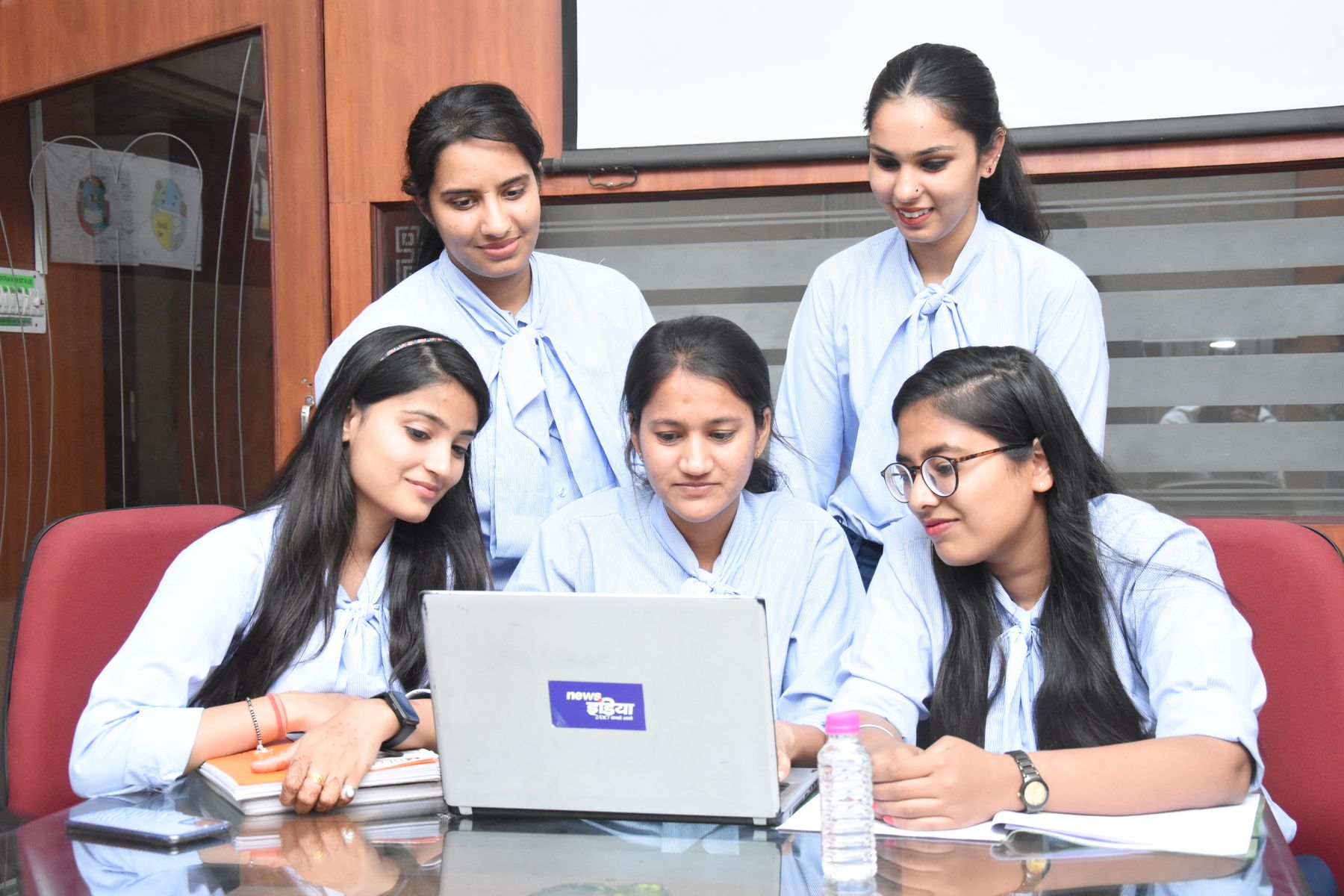
Five students in uniform working together on a laptop
For schools, colleges and coaching centres

Web Filtering for Schools and Colleges: Safe Browsing for Students

AI-powered web filtering for schools and colleges. Block adult and unsafe sites all day, switch games, social media and AI tools off for class and exams, all from one simple console.

Hosted in India No hardware 14-day free trial
Available for Windows Mac iPhone & iPad Android

Why schools need web filtering

Every lab computer is one click away from the wrong page.

Harmful content

Adult, gambling and violent sites are a search away, in any browser or app.

Classroom distractions

Games, social media and video pull students off the lesson, and AI tools hand them the answers in a test.

Malware and phishing

One bad link in an email, ad or download puts school computers and staff accounts at risk.

Board guidelines

CBSE and NCERT ask schools to filter their computers and review what gets blocked. Zaksha does both from one console.

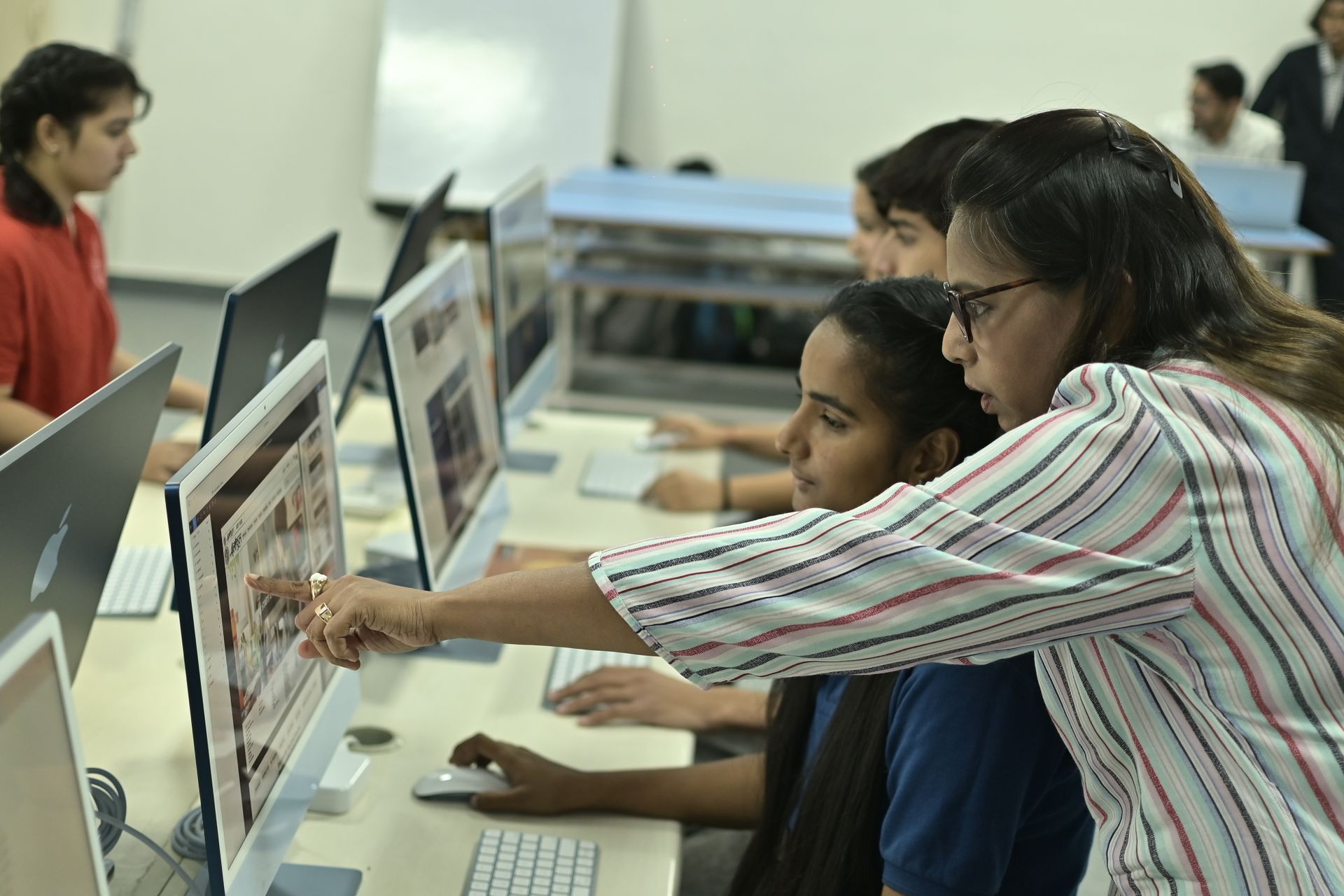
A teacher helping students at computers in a college lab

Why Zaksha

Threat detection

Advanced threat protection stops phishing, malware and scam sites before they reach students or staff.

Rules for each class and lab

Different rules for junior classes, senior classes and the staff room, from one console.

Apps and websites

Block or allow YouTube, Instagram, BGMI, Discord or any single site, for one lab or the whole school.

Timetable-aware filtering

Social media and games pause in class, and ChatGPT and Gemini go off for a test and come back after.

Analytics & insights

Which sites each device looked up and what was blocked, kept 30 days. Export daily summaries as CSV.

Student privacy

Zaksha sees which sites a device visits, never what is on the page. Activity stays in India, and we never sell your data.

Your policy

What you can block

Pick the categories your policy blocks; add any site of your own.

ChatGPT Gemini Claude Roblox Steam Epic Games YouTube Netflix Instagram Snapchat X Facebook Spotify
Malware and phishing Adult content Gambling Social media Streaming Gaming Ads & trackers AI tools

Blocked in the app and in the browser. Starter policies ready to apply: Security baseline, Adult and gambling, Work focus. Add any site of your own on top.

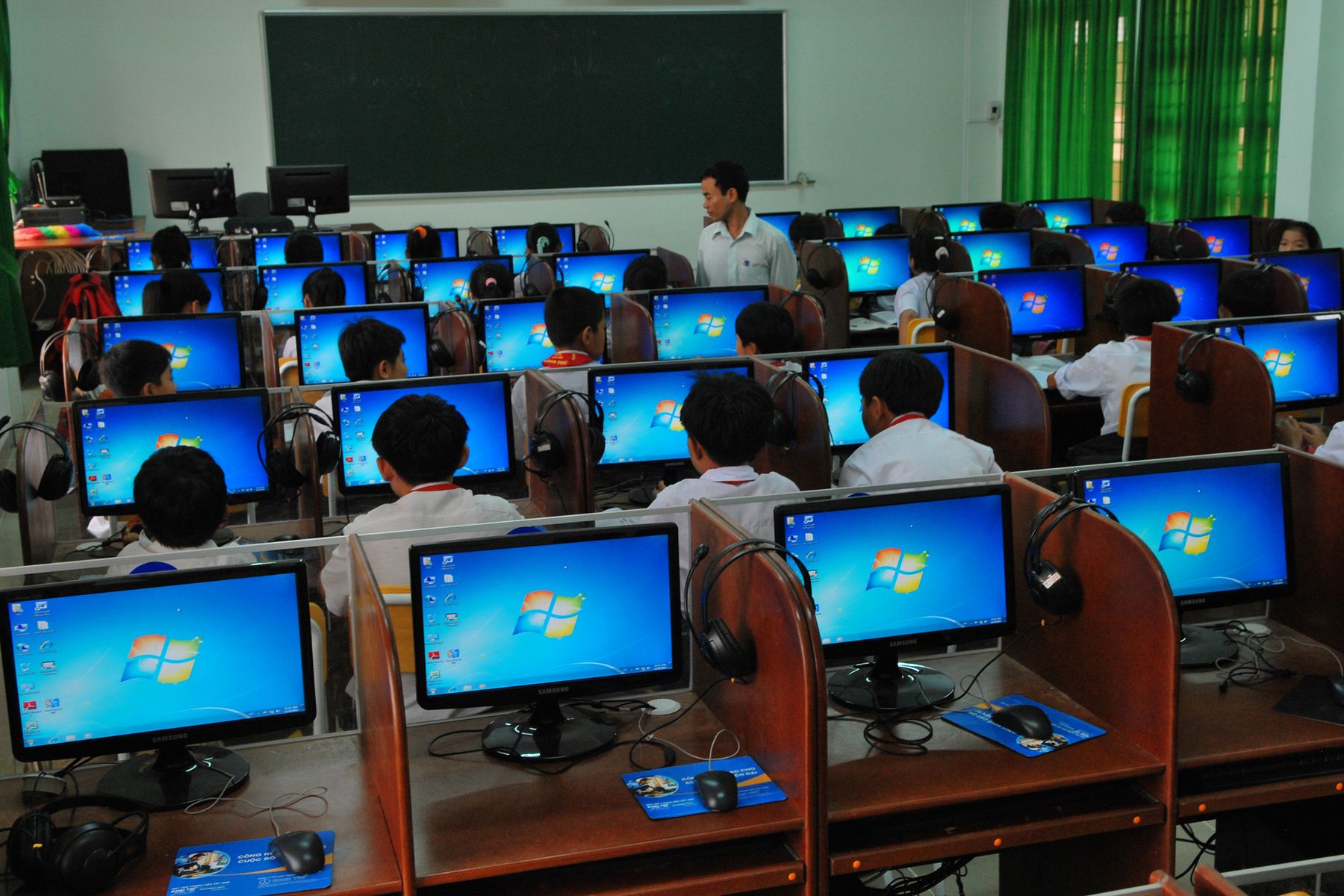
Rows of students at desktop PCs in a computer lab
Set it to your timetable

Class hours, lab hours and test windows.

Put devices in groups and give each group its own hours. It repeats every week.

Class hours

Class tablets for class work.

During school hours social media, games and streaming are off. Adult sites stay off all the time.

Class 8 tabletsMon–Sat 8 AM–2 PM
Social · Gaming · Streaming Paused
Test windows

AI tools off while the test runs.

Pick the lab group and the hours. ChatGPT, Gemini, Claude, Copilot and other AI tools are blocked inside the window and back after it.

Lab 2 — Placement roundTue 10:00 AM–1:00 PM
AI tools Paused now
Lab hours

Games and streaming off in lab hours.

Each lab gets its own schedule. Rules apply on the devices themselves, so they hold on any network.

Computer Lab AMon–Sat 9 AM–5 PM
Gaming · Streaming Paused
Records

A record for every device.

See which sites each device looked up and what was blocked, kept 30 days by default and longer by contract. Export daily summaries as CSV.

LAB2-PC14Last 7 days
Tue 11:42 AMchat.openai.comBlocked
Tue 11:40 AMnptel.ac.inAllowed
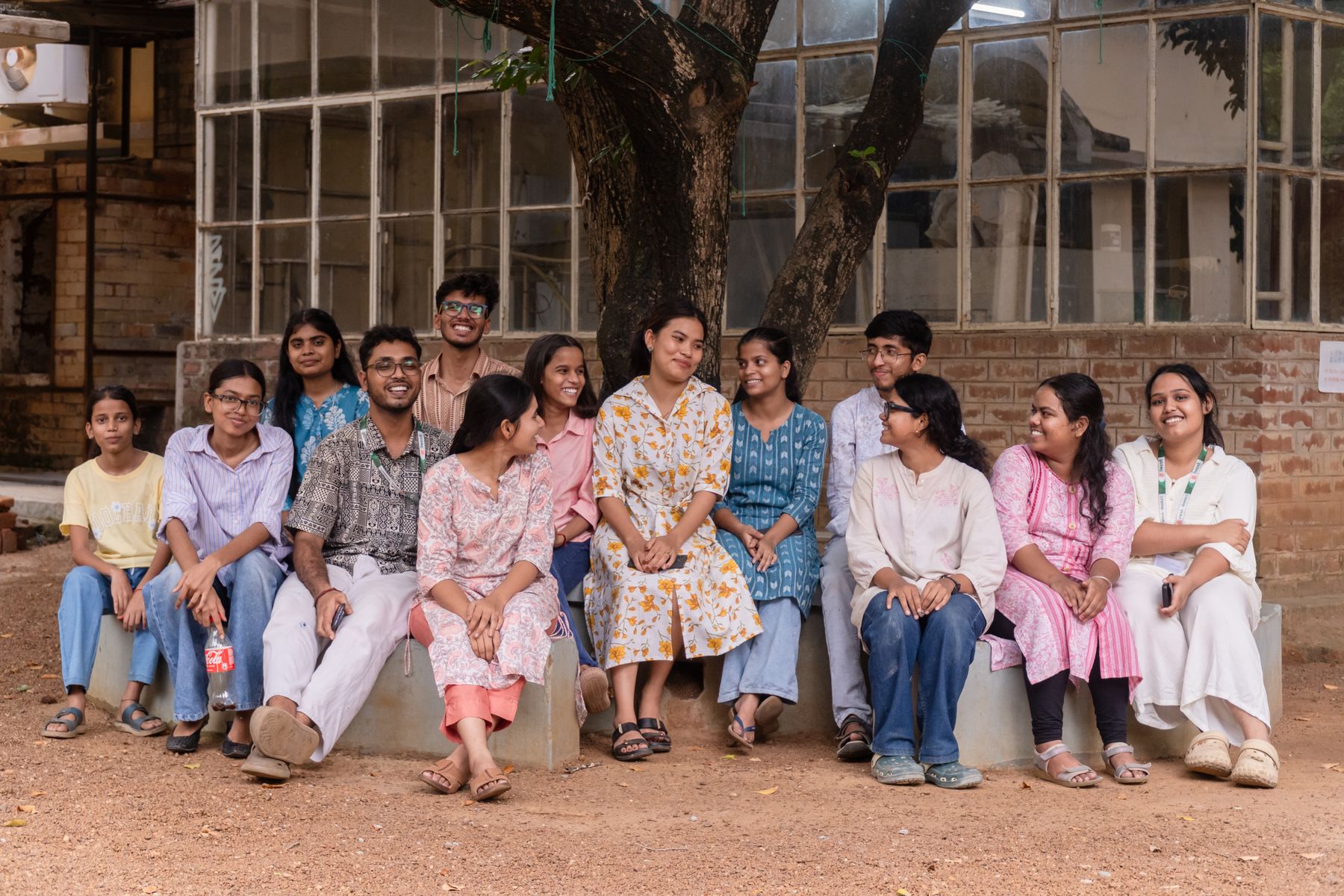
A group of college students on a campus bench

Students' own phones on campus Wi-Fi?

Whole-network Wi-Fi filtering for your campus or hostel is available on request. Ask us when you enquire.

How it works

1

Tell us about your devices

How many, which kinds, and your class, lab and test hours. We reply within one working day.

2

Add your devices

Set up from your browser. Add each device in a few minutes.

3

Run it from the web console

Groups, schedules and records in one place. Devices pick up changes without being touched again.

Pricing

Every plan starts with a 14-day free trial on up to 5 devices.

Education

Schools and colleges

Discounted rates for schools, colleges and registered non-profits.

Talk to us Explore schools and colleges
Self-serve

Small business

₹79/device/month

Minimum 10 devices. Set it up from your browser in minutes.

Start 14-day free trial Explore small business
Custom

Enterprise

For many sites, teams and complex rollouts.

Talk to us Explore enterprise

Every plan includes

  • Malware and phishing protection
  • Category and single-site blocking
  • Work-hours schedules
  • Policies per team and device
  • Windows, Mac, iPhone, iPad and Android
  • Insights and reports, kept 30 days
  • Data stored in India
  • Email support
  • Router and network-wide setup*
  • Single sign-on for your team*
  • API access*
  • SIEM log streaming*

Not sure which fits? Request a demo

*We set this up with you during onboarding.

FAQ

Questions, answered.

Are adult sites blocked all the time, or only in school hours?

All the time, once it's on. You choose which categories follow a schedule, such as social media, games, streaming and AI tools.

Can we turn AI tools off only during a test?

Yes. Put the lab in a group with a schedule; AI tools are paused inside the window and back after it.

Does it read what students type?

No. It sees which sites a device looks up and whether they were blocked.

What if a student changes the DNS setting?

On school laptops and PCs, changing it requires admin rights. Encrypted DNS services are blocked. On Android, a device that stops reporting is flagged "Gone quiet".

We already have a firewall.

A firewall covers your network. Zaksha covers each device on any network, and keeps a record per device.

Where is our data?

In India, on AWS Mumbai. A dedicated instance can be quoted for your school.

Does it work off campus?

Yes. Rules apply on the device, so they hold at home and on mobile data.

Request a demo

We reply within one working day.

Prefer WhatsApp? Chat with us on WhatsApp